
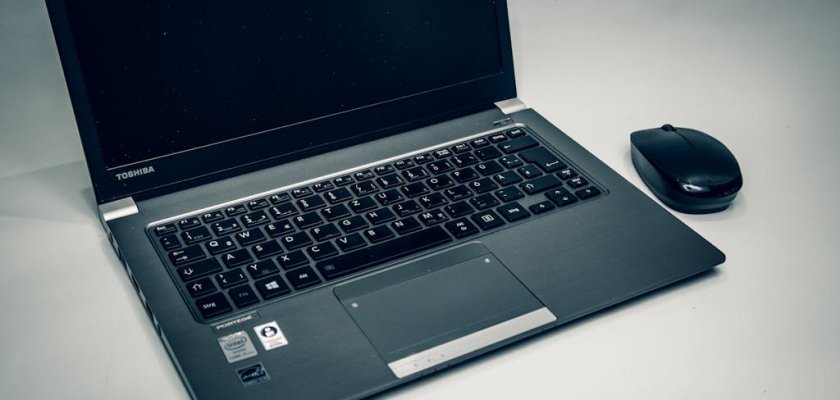
Have you ever bought a laptop that seemed perfect in the store, but after a few weeks you realized it was slow, the battery drained quickly, or the screen felt too small?
Many people experience this. Buying a laptop can feel confusing because there are dozens of models, endless specifications, and a wide range of prices. A device that works great for one person might be completely wrong for another. That is why understanding what actually matters before you buy can save both money and frustration.
This Laptop Buying Guide will walk you through the important things to check before purchasing a laptop. By the end, you will know how to choose a machine that fits your needs rather than just following marketing claims.
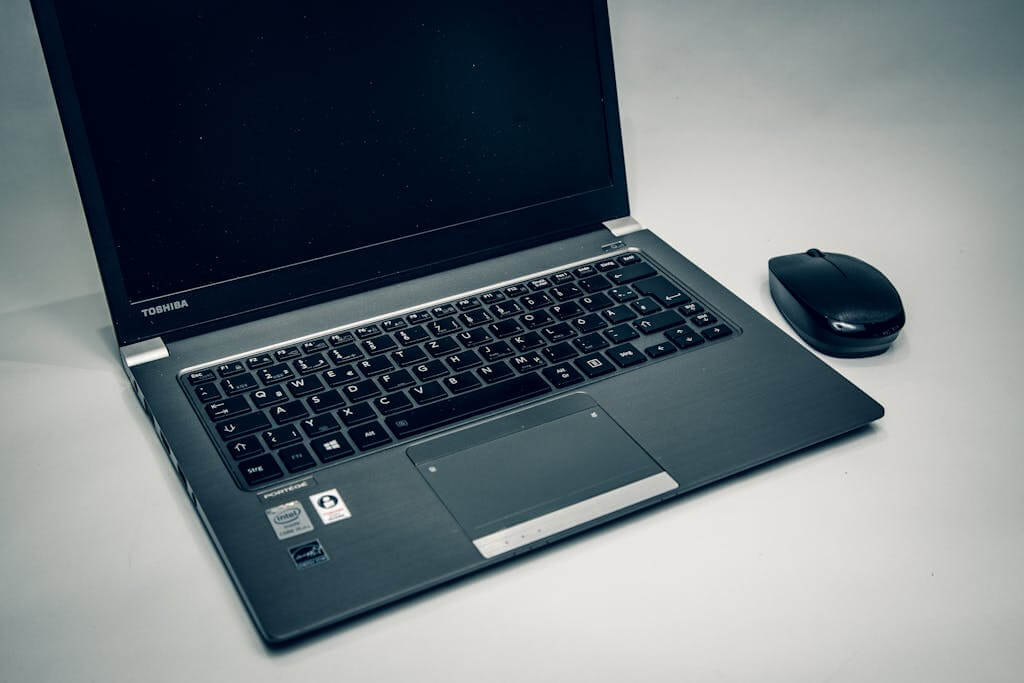
Start by Understanding Your Needs
The first step is simple but often ignored. Ask yourself how you will actually use the laptop.
Different users need different machines.
For example:
- Students usually need something lightweight with long battery life for classes and assignments.
- Office workers need reliable performance for documents, spreadsheets, and video meetings.
- Creative professionals may require powerful processors and high quality displays.
- Gamers need stronger graphics and faster processors.
If your main tasks are browsing the internet, watching videos, and writing documents, you do not need an expensive high performance laptop. On the other hand, editing videos or running heavy software requires more power.
Buying according to your real needs prevents overspending and helps you get better value.
Processor: The Brain of the Laptop
The processor, also called the CPU, is one of the most important parts of a laptop. It controls how fast your laptop performs tasks.
For everyday use like browsing, email, and basic office work, an entry to mid level processor is usually enough. But if you run demanding programs such as video editing tools, coding environments, or gaming software, you should choose a more powerful processor.
In simple terms:
- Basic processors are suitable for light use.
- Mid range processors are good for multitasking and regular work.
- High performance processors handle gaming, design software, and heavy workloads.
A faster processor means smoother performance and fewer slowdowns when multiple apps are open.
RAM: Multitasking Power
RAM helps your laptop handle multiple tasks at the same time. If RAM is too low, the laptop will feel slow when several applications are open.
For most users:
- 8 GB RAM works well for everyday tasks.
- 16 GB RAM is better for heavy multitasking, editing, or programming.
- 32 GB or more is mainly for professional workloads.
If you plan to keep your laptop for several years, choosing slightly higher RAM can help the device stay fast longer.
Storage: Speed and Space
Storage determines how much data your laptop can hold and how quickly files open.
Modern laptops mainly use SSD storage instead of traditional hard drives. SSDs are much faster and make the laptop start up quickly.
Common options include:
- 256 GB SSD for basic users
- 512 GB SSD for most people
- 1 TB or more for large files, videos, and games
If you store many photos, videos, or large software files, choose higher storage. Otherwise, cloud storage can also help save space.
Display Quality and Screen Size
You will spend hours looking at the laptop screen, so display quality matters more than many people think.
Screen size usually ranges from 13 inches to 17 inches.
- 13–14 inch laptops are portable and easy to carry
- 15 inch laptops balance portability and screen space
- 17 inch laptops offer larger displays but are heavier
Resolution is also important. Full HD resolution is a good standard for clear visuals. A bright screen with good color makes reading, watching videos, and working more comfortable.
Battery Life
Battery life can make a big difference, especially if you travel or work away from power outlets.
Some laptops last only 4 to 5 hours, while others can run for more than 10 hours on a single charge.
Students, travelers, and remote workers should prioritize longer battery life. A lightweight laptop with strong battery performance is much more convenient for daily use.
Build Quality and Portability
A laptop should not only perform well but also feel comfortable to carry and use.
Things to consider include:
- Weight of the laptop
- Keyboard comfort
- Trackpad responsiveness
- Overall build quality
If you carry your laptop every day, a lighter and thinner model will be much easier to handle. Durable materials also help the laptop last longer.
Connectivity and Ports
Many people overlook ports until they actually need them.
Check if the laptop has the ports you use regularly, such as:
- USB ports
- HDMI port
- headphone jack
- memory card slot
Some thin laptops reduce the number of ports, so you might need adapters. Make sure the device supports your accessories before buying.
Graphics Performance
Graphics power matters mainly for gamers, designers, and video editors.
For basic tasks, integrated graphics are usually enough. But if you play modern games or work with graphics heavy software, a dedicated graphics card can provide smoother performance.
Casual users do not need to spend extra on powerful graphics hardware.
Operating System
The operating system affects how the laptop feels to use.
Most laptops come with one of these systems:
- Windows
- macOS
- ChromeOS
Windows laptops offer wide software compatibility and many price options. macOS laptops are known for smooth performance and strong build quality. ChromeOS devices are simpler and usually more affordable, focusing on web based tasks.
Choose the system that fits your workflow and comfort level.
Price vs Value
Price alone should never be the deciding factor.
A cheaper laptop may save money today but feel slow after a year. A slightly more expensive model with better components may last much longer.
When following a Laptop Buying Guide, always focus on value rather than just cost. Look for the best balance between performance, build quality, and features within your budget.
Check Reviews and User Feedback
Before making a final decision, spend a few minutes reading reviews or watching real user experiences.
This helps you learn about:
- heating issues
- battery performance in real use
- keyboard comfort
- long term reliability
Real user feedback often reveals details that product descriptions do not mention.
Final Thoughts
Buying a laptop does not have to be complicated. The key is to focus on what truly matters for your daily use.
When choosing a laptop, pay attention to the processor, RAM, storage type, screen quality, battery life, and overall build. Understanding these factors helps you avoid marketing confusion and choose a device that genuinely fits your needs.
The best laptop is not the most expensive one. It is the one that matches how you work, study, or relax every day. By following the tips in this laptop buying guide, you can make a confident decision and invest in a laptop that will serve you well for years.


